Install Skeleton in Moho
Extract the ZIP, install the Skeleton folder, and you're ready to go.
Automatic dubbing available in multiple languages
Click the gear in the video: Settings → Audio track, then choose your preferred language.
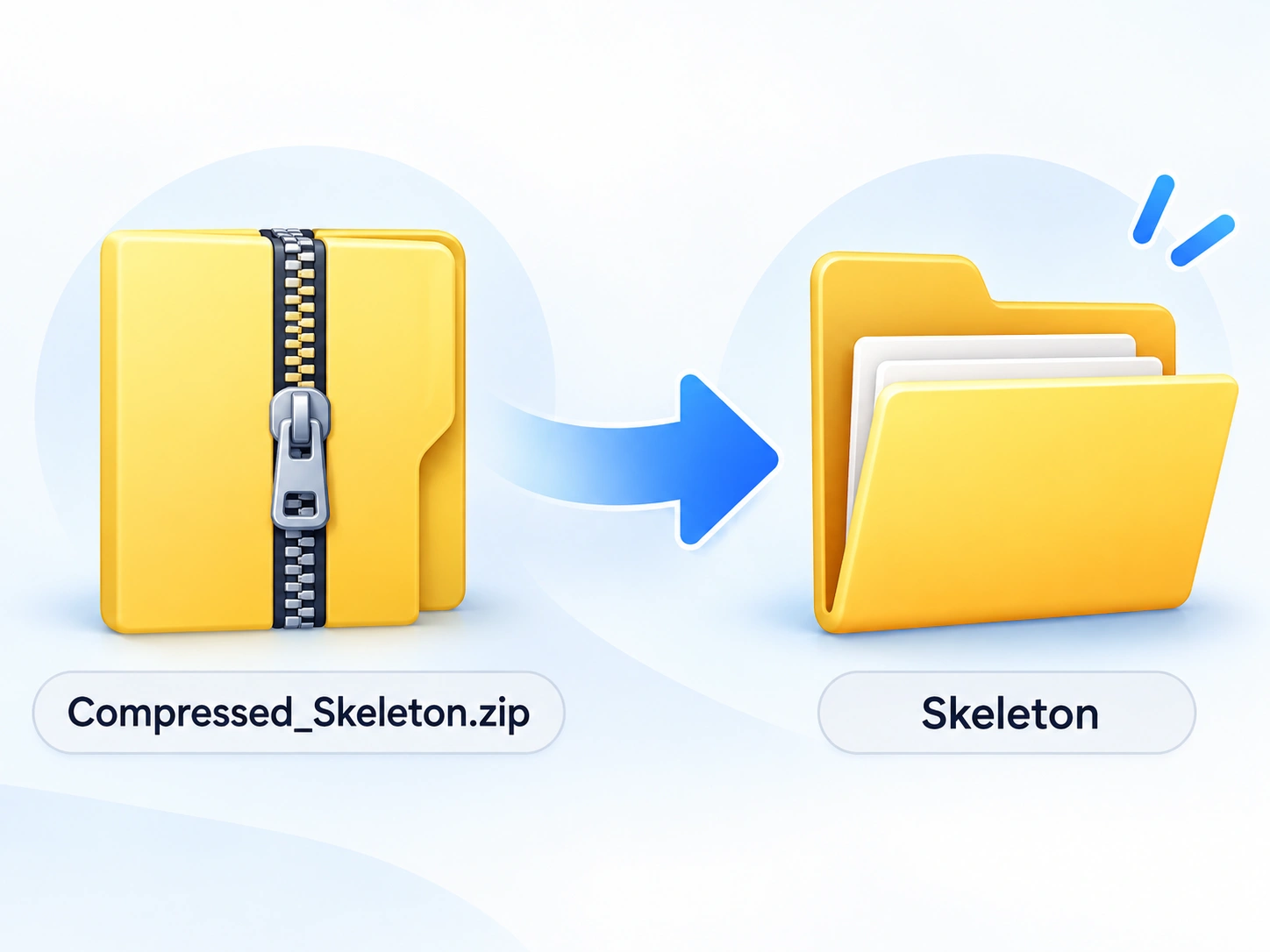
Extract the ZIP
Extract Compressed_Skeleton.zip.
 Click to enlarge
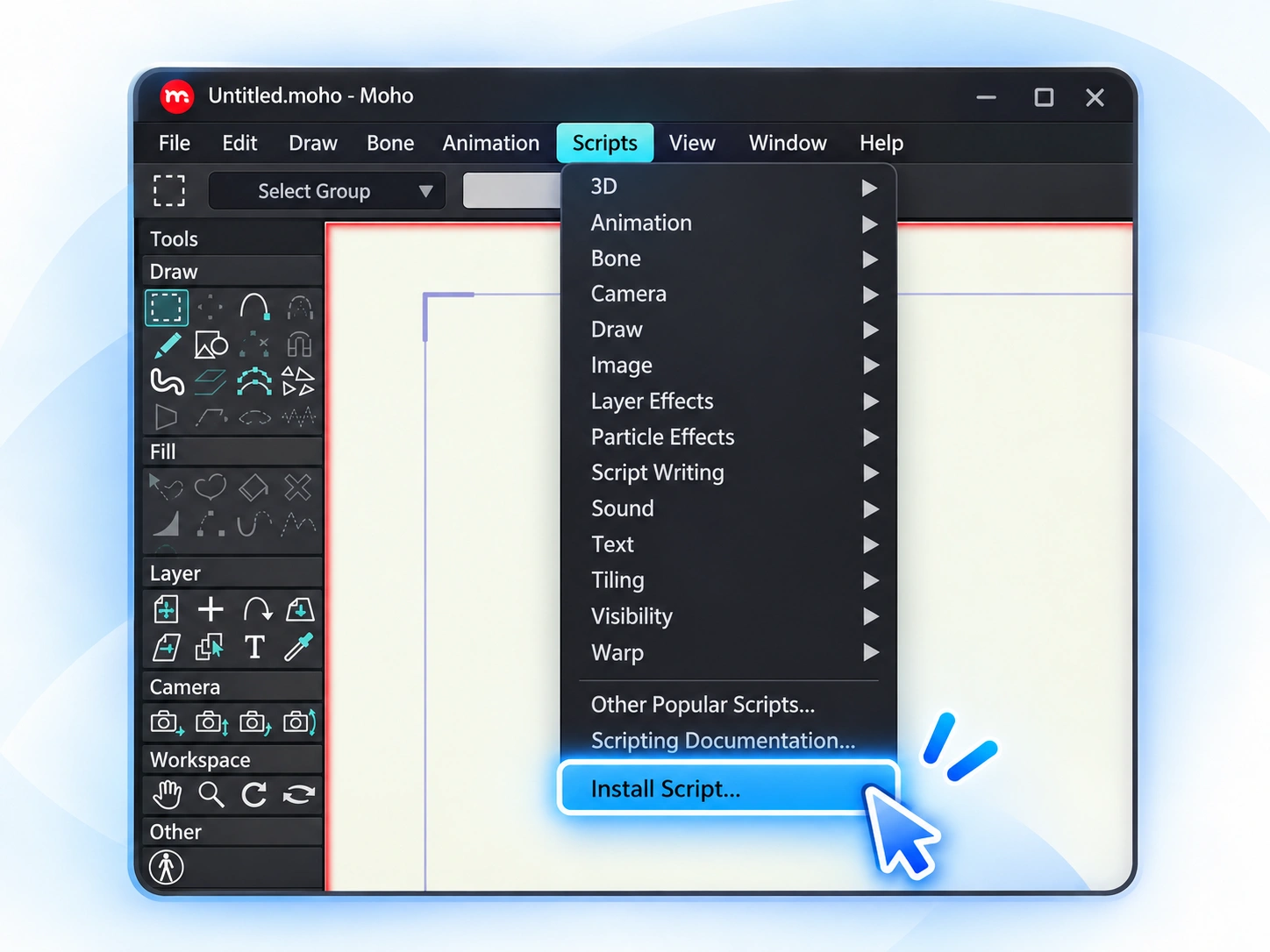
Open Moho
Go to Scripts → Install Script…
 Click to enlarge
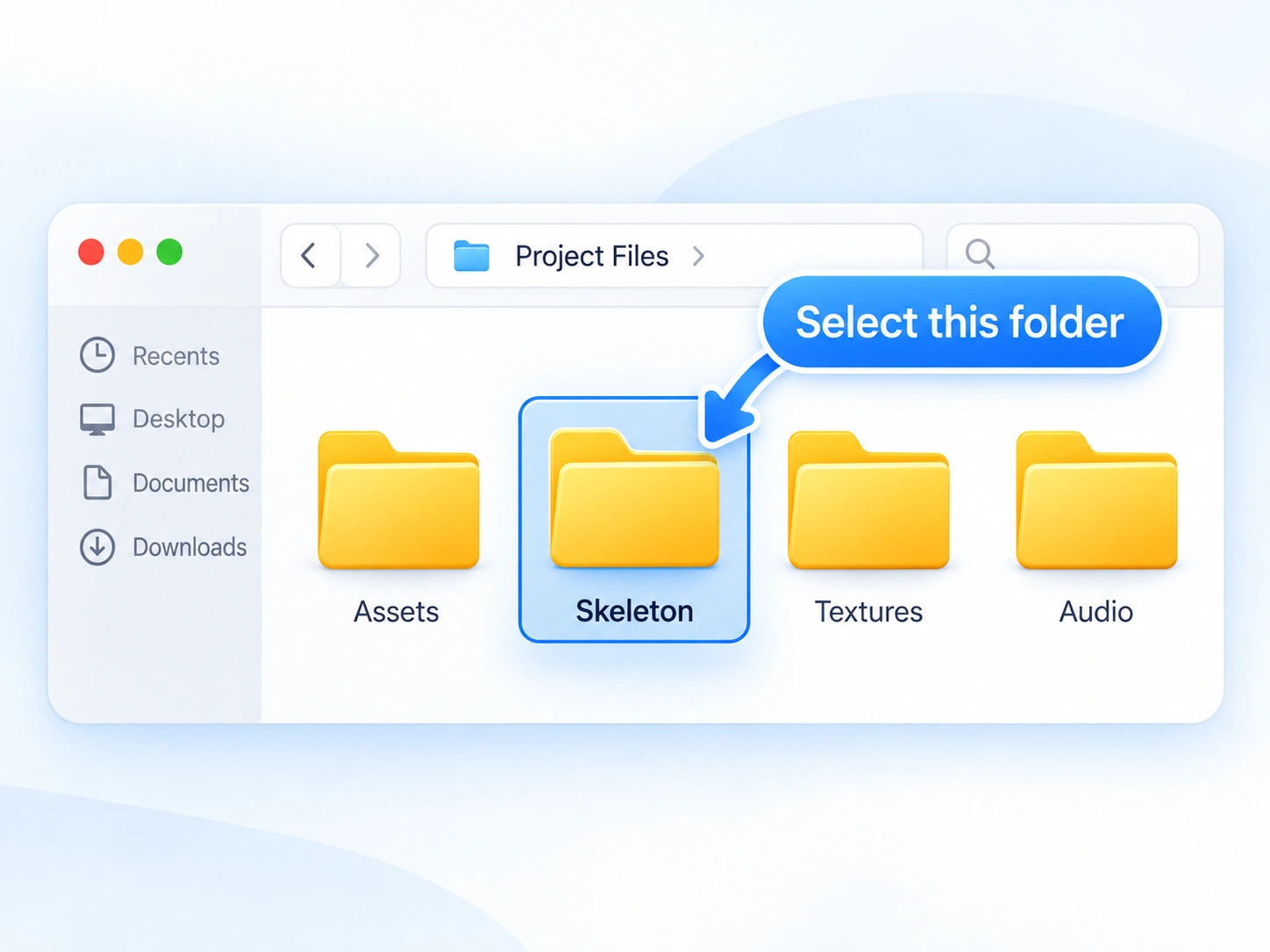
Select Skeleton
Choose the extracted Skeleton folder.
 Click to enlarge
Installation complete
When Moho shows “Installation completed!”, Skeleton is installed and ready to use.
Choose Overwrite if Moho asks to replace existing files.
Try Skeleton Free for 14 Days
Unlock the complete Skeleton toolset and experience the full rigging workflow before deciding to purchase.
Every Skeleton tool. Free for 14 days.
Your trial gives you full access to Skeleton, so you can explore its rigging tools in your own projects and see how it fits into your workflow.
What happens when the trial ends?
Nothing is lost. You can purchase a Skeleton license to keep all features unlocked, or simply continue using the free version for as long as you like.
Open the Skeleton Menu
Open Skeleton in Moho and click the drop-down menu. This menu contains the trial and license options.
Select “Start Trial”
Choose “Start Trial”. Skeleton will verify your device's date and time before activating the trial.
Date or time incorrect? Correct your computer's date and time, then start the trial again.
Activate Your Trial
Once the verification is complete, click “OK”. Your 14-day trial is now active and all Skeleton tools are unlocked.
You're Ready to Rig.
Skeleton is installed and your trial is active. Open your character in Moho and start creating.
Need help?
If you're having trouble installing or activating Skeleton, we're here to help.