Adaptable rig structure
01 / ADAPT
Build around your character.
Use adaptable Skeleton templates. Add AutoRigging to help fit the rig to different proportions and designs.
Skeleton templates · Optional AutoRigging
Build adaptable 2D character rigs with Skeleton. Customize your controls, work with turns and reuse animation. Add AutoRigging to automate more of your character setup.
One download. Two separate trials.
Skeleton Pro: 14 days. AutoRigging: 3 uses.
Keep using Skeleton Free after the Pro trial.

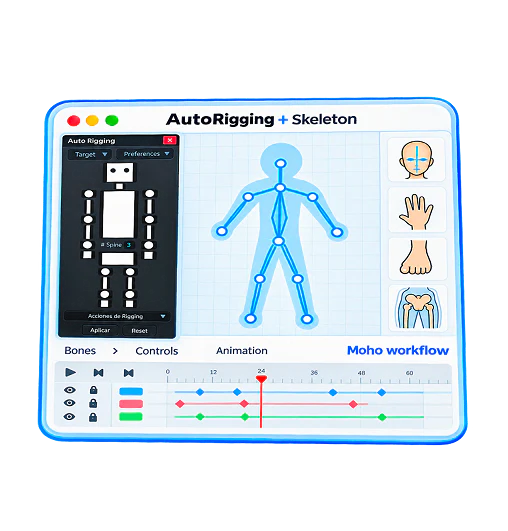
Start with Skeleton templates, make the rig fit your character and keep useful tools close to your animation workflow.
Use adaptable Skeleton templates. Add AutoRigging to help fit the rig to different proportions and designs.
Organize switches with SwitchKit and personalize your bones. Use symmetry tools while shaping your rig.
Import and export animation with Skeleton Pro. Explore rigged member characters to study their setups.
Explore the workflow behind rig adaptation, character bindings and controls inside Moho.
Get the full Skeleton toolkit, or add AutoRigging for more automation when preparing your characters.
For creators who want full control over their rig customization.
For creators who want help adapting rigs and setting up character bindings.
Already own Skeleton Pro? Add AutoRigging through Membership ↗
| Included | Skeleton Pro | Skeleton + AutoRigging |
|---|---|---|
| Full Skeleton Pro toolset | ✓ | ✓ |
| SwitchKit and bone customization | ✓ | ✓ |
| Animation import/export | ✓ | ✓ |
| Rigged member character access | ✓ | ✓ |
| AutoRigging adaptation and binding | Optional add-on | ✓ Included |
| Automatic arm and leg targets | With AutoRigging add-on | ✓ Included |
| Symmetry tools | ✓ Also in Skeleton Free | ✓ Also in Skeleton Free |
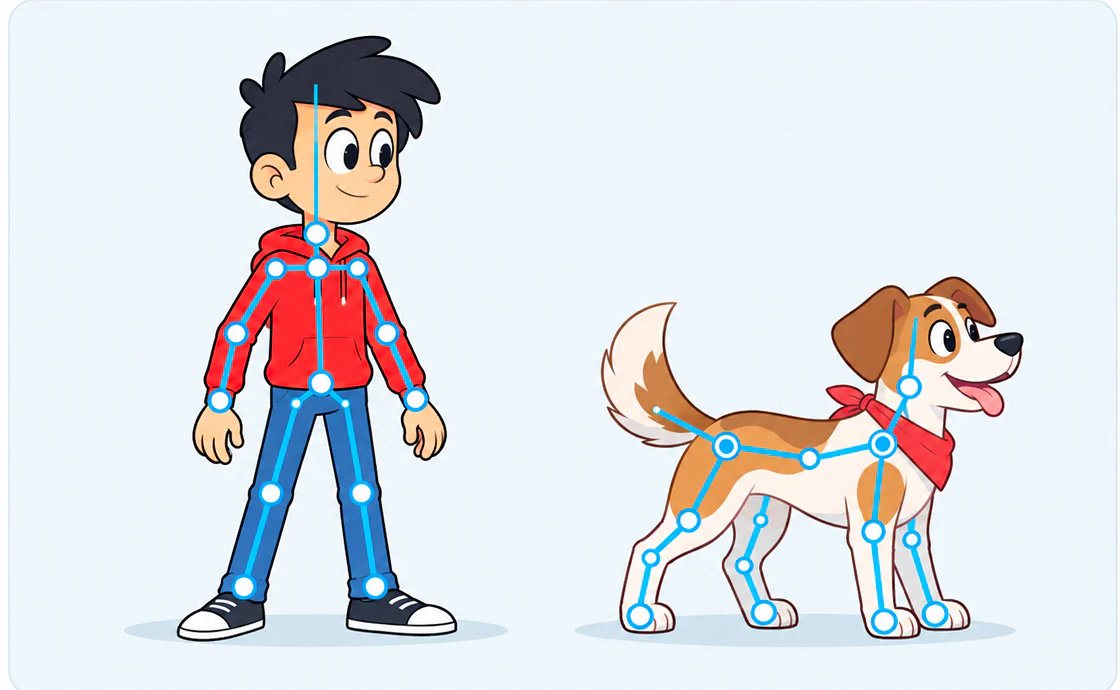 AUTORIGGING 2.1
AutoRigging helps adapt the rig to your artwork, from stylized proportions and hunched characters to four-legged designs.
Already in the free download · Try AutoRigging for 3 uses
Start with the installation guide, watch the tools at work and explore the rigs available to Skeleton Pro members.
Access your character resources and add AutoRigging .
Install Skeleton and AutoRigging together. Their trials and activations are independent, so you can evaluate each tool clearly.
No account, email or payment details required to download.
Explore the full Pro toolset. Continue with Skeleton Free permanently afterward.
FREE VERSION AFTER TRIALA separate trial for the rig adaptation tools. Requires Skeleton Pro for paid use.
INDEPENDENT TRIALChoose the tools that suit your workflow, with clear requirements, trial limits and purchase options.
The package includes Skeleton 3.3 and AutoRigging 2.1. Skeleton Pro has a 14-day trial. AutoRigging has its own separate 3-use trial; its trial is not 14 days.
You can keep using Skeleton Free permanently. Purchase Skeleton Pro if you want to keep all Pro tools unlocked. Symmetry is also available in Skeleton Free.
Choose Skeleton Pro for its complete toolset, including SwitchKit, bone customization and animation import/export. Choose the Skeleton + AutoRigging bundle to add AutoRigging's adaptation, binding and automatic target tools.
Yes. If you already own Skeleton Pro, you can purchase AutoRigging through Membership. For new buyers, AutoRigging is included in the Skeleton + AutoRigging bundle. Each tool has its own license and activation.
AutoRigging supports vector point and layer binding, including image layers, and can help set up hunched and four-legged characters. The rig may still need adjustments to match your design and animation needs.
No. Both packages are one-time purchases. Current prices and currency appear in the package comparison above.
The tools are intended for Moho Pro 12 and newer on Windows and macOS. Follow the installation guide to select the package appropriate for Moho 12–13 or Moho 14+.
The package includes Skeleton 3.3 and AutoRigging 2.1. No account, email or payment details required to download.
All Skeleton Pro tools during the trial. Keep using Skeleton Free permanently afterward.
A separate trial, with its own activation. Independent of Skeleton's 14-day Pro trial.