How to install the «Skeleton» script ?
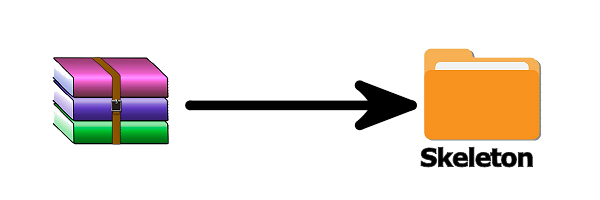
1) Step one, unzip the file:
When unzipping you will find a folder called «Skeleton».
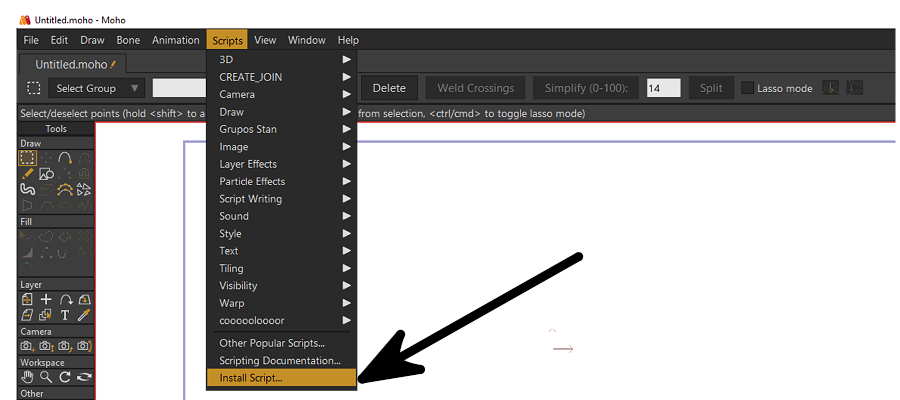
2) Step two, open Moho and go to the «Scripts» section:
Choose the option that says «Install script…».
3) Step three, select the «Skeleton» folder:
The file explorer will open, now you must select the «Skeleton» folder that was unzipped in step one.
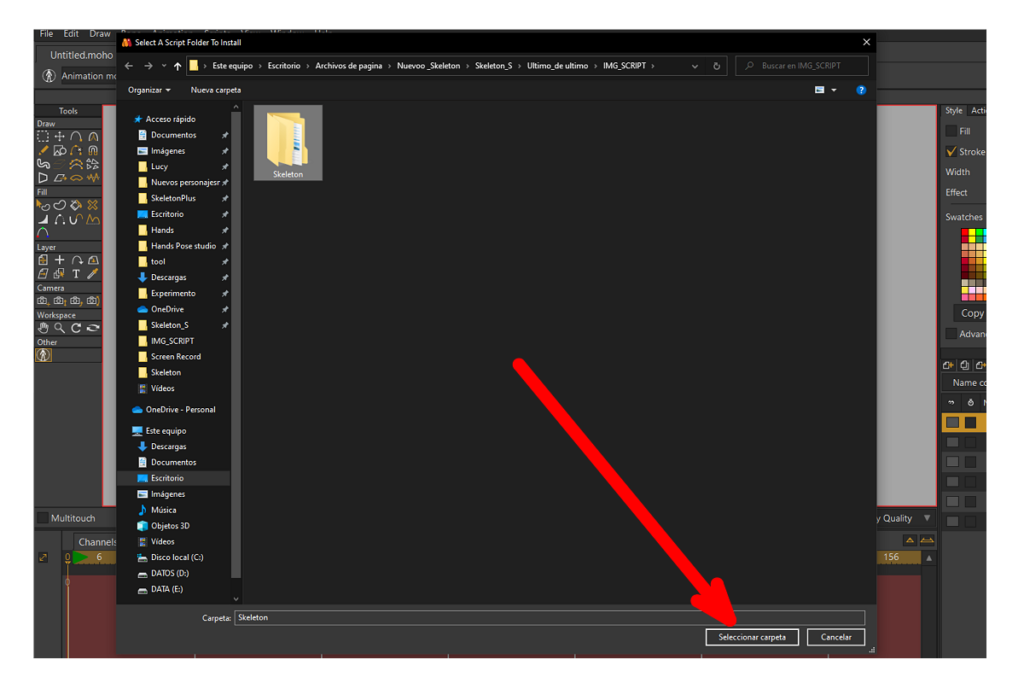
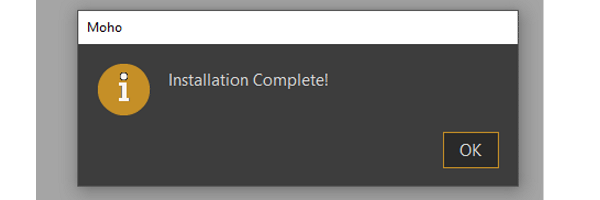
4) Step four, complete installation :
If you followed the steps correctly, you will get an «Installation completed!» message.